Windows 10 & 11

Recordyourscreen.Shipafinishedvideo.

The screen recorder that does the editing for you.

Free to download · No card · Nothing uploaded

A looping finished video inside a working copy of the Sceed editor. The video opens on a title card, shows someone searching a dashboard for a customer with a smoothed cursor, zooms on the matching row, points a callout at the revenue, exports a report, plays a card of numbers and ends on an end card, with a camera bubble in the corner. The inspector beside it changes the background, padding, corners, frame, cursor, zoom, callout, camera and sections of that video, and the timeline under it seeks.
Canvas & background
Background
Padding
40
Corners
16
Frame
00:00.0/ 00:24.0 · 60fpsClick the timeline to seek · blocks open their panel
0s4s8s12s16s20s
Zoom
Effects
Sections
Camera
Video

That is the editor. Change anything: the video is live.

Gradient backgrounds
Window frames
Smooth cursors
Region effects
Title sections
Camera looks
4K · 60 fps
Nothing uploaded
Windows 10 & 11
How it works

Record.Polish.Share.

You do the first and the last. Sceed does the middle.

The floating recorder: the cursor picks the Window tab, a window thumbnail, then presses record and a 3, 2, 1 countdown plays.
01

Record

A window, an area or a whole monitor. Three, two, one.

You
A tiny editor. The cursor drags the Smoothing slider up to 90 and the jittery cursor path in the preview becomes a smooth curve.
02

Polish

Cursor, zooms, camera, sections. Right by default.

Sceed
The export sheet: 4K, 60 fps, H.264. A progress bar fills and a Copied link toast appears.
03

Share

4K, straight from the editor to disk.

You

BuiltforWindows.NothingleavesyourPC.

Native capture, native encoding. What you scrub is what you ship.

4K
export
0
frames a second
0
uploads, ever
1
take, nothing by hand
Before and after

Sametake.Nothingbyhand.

Left, the raw recording. Right, Sceed's export with every default left alone. Drag.

A raw screen recording on the left and the same take finished by Sceed on the right, with a handle you can drag between them.
Raw recordingFinished with Sceed
Drag to compare
Sceed added
Mac frame
Background
Cursor smoothing
Zoom
Callout
Camera bubble
The editor

Everythingthatmakesitlookfinished.

The same recording moves through the editor's frame looks while the background steps through its presets: Plain on Peach, Mac on Cloud, Mac dark on Midnight, Browser on Harbor, Windows on Citrus, Minimal on White, Floating on Blush, MacBook on Graphite, Stack on Lagoon, Outline on Ocean, Gradient on Violet, Glass on Sunset.
01

Frames

Window frames, gradient backgrounds, or any picture of yours.

The same jittery cursor path replayed twice, raw and smoothed. Then the cursor looks from the editor line up, Arrow, Dark, Mac, Solar, Pointer and Hand, Solar is picked, and the take plays on with the Solar cursor.
02

Cursor

Nothing is recorded. Sceed draws its own, so you can smooth, restyle or hide it later.

Three numbered zoom points appear on the frame. For each in turn the whole framed window pushes in towards the point, holds, and eases back out, the way the editor's push zoom works.
03

Zoom

Drop numbered points. The camera eases in, holds, eases out.

The camera moves through the editor's looks: corner bubble, hero card, polaroid with a name tag, neon hexagon, side by side with the window on one side and the camera on the other, full screen, presenter, mono and warm, then back to the corner bubble.
04

Camera

A look for every kind of video. One click each.

Six of the editor's region effects play on the same take, each easing in after its start and out before its end: a numbered callout on the revenue card, a depth-of-field focus on the chart, a colour pop that greys everything but the customer list, a light tracing the row of stat cards, a shine sweeping the Export button, and confetti falling as an Exported toast appears.
05

Effects

Dragged straight onto the preview. They time themselves.

The take pauses and five section styles from the editor play in between, each on one of the editor's themes with a soft decoration, a progress bar and a logo: a title card whose words rise one by one, a big number counting up, a bar chart whose bars grow, three numbered steps sliding in, and a quote. Then the recording carries on. A clip strip underneath shows the recording paused while the sections play.
06

Sections

Cards between clips: titles, numbers, charts, steps, quotes.

Polish

Finishingtouches.

A numbered callout pill pops in, draws a leader line to the revenue card and outlines it, then eases away.

Callout

The revenue chart lifts off the screen and lands enlarged in the middle on a shadow while the screen behind blurs and dims, then settles back.

Pop-out

An accent bar pops in at the bottom left, a frosted plate slides out from behind it and the name and role fade in, then it slides away.

Lower third

A fake email inbox. The cursor drags a feathered blur over an email address, holds, then a Reveal effect wipes the blur away.

Privacy blur

Keycaps for Ctrl, Shift and R pop in and press one after another, then the cursor clicks twice and ripples ring out.

Keystrokes

Two waveforms, raw and processed. The Noise gate toggle switches on and the processed waveform goes quiet between phrases; Normalize switches on and the loud and quiet phrases even out.

Audio

And many more.

Tooltip
Arrow
Pulse
Trace
Loupe
Focus
Focus split
Reveal
Sticker
Confetti
Steps
Shine
Glitch
Impact
Inset
Isolate
Bounce
Colour pop
Hover
Glow
Vignette
Letterbox
Light leak
From people who explain things

Itlookslikealotofwork.Itwasonetake.

We used to spend a morning in Premiere for a two-minute release video. Now I record the feature once, add two chapter cards and ship it before standup.
DADevin AlvarezProduct lead · Compass
The cursor smoothing is the thing. My lessons used to look like screen recordings. They look like the courses I paid for.
PNPriya NatarajanCourse creator · Priya Teaches Figma
Our bug reports went from a paragraph and a blurry GIF to a 20-second clip with a zoom on the exact line. Engineering noticed immediately.
MKMarta KowalskiSupport lead · Lumen
Compare

Sidebyside.

SceedLoomOBSScreen Studio
Windows
Cursor fixed later
Zoom points
Sections
Nothing uploaded
PriceFreeMonthlyFreeOne-time

Full comparison, six products →

Pricing

Freetostart.Oneplanforeverything.

Download it free. Go Pro when you want every effect, no limit and no mark.

Free
$0forever

Record, polish, export up to 3 minutes.

Download free
Best value
Pro yearly
$9.6per month

Billed annually, $115 a year

Buy yearly
Pro monthly
$25per month

Billed monthly, cancel any time

Buy monthly
Free to start, no cardNo upload, everCancel any time14-day money-back

What is in each plan

FAQ

Questions,answered.

Short answers. Missing one? Write to us.

Yes. Sceed is built for Windows 10 and 11 on Windows Graphics Capture and Media Foundation. That is the whole point: the Mac apps do not run here, and now you do not need them.

Yournextvideo,finishedinonetake.

Free to download · Windows 10 & 11 · No card

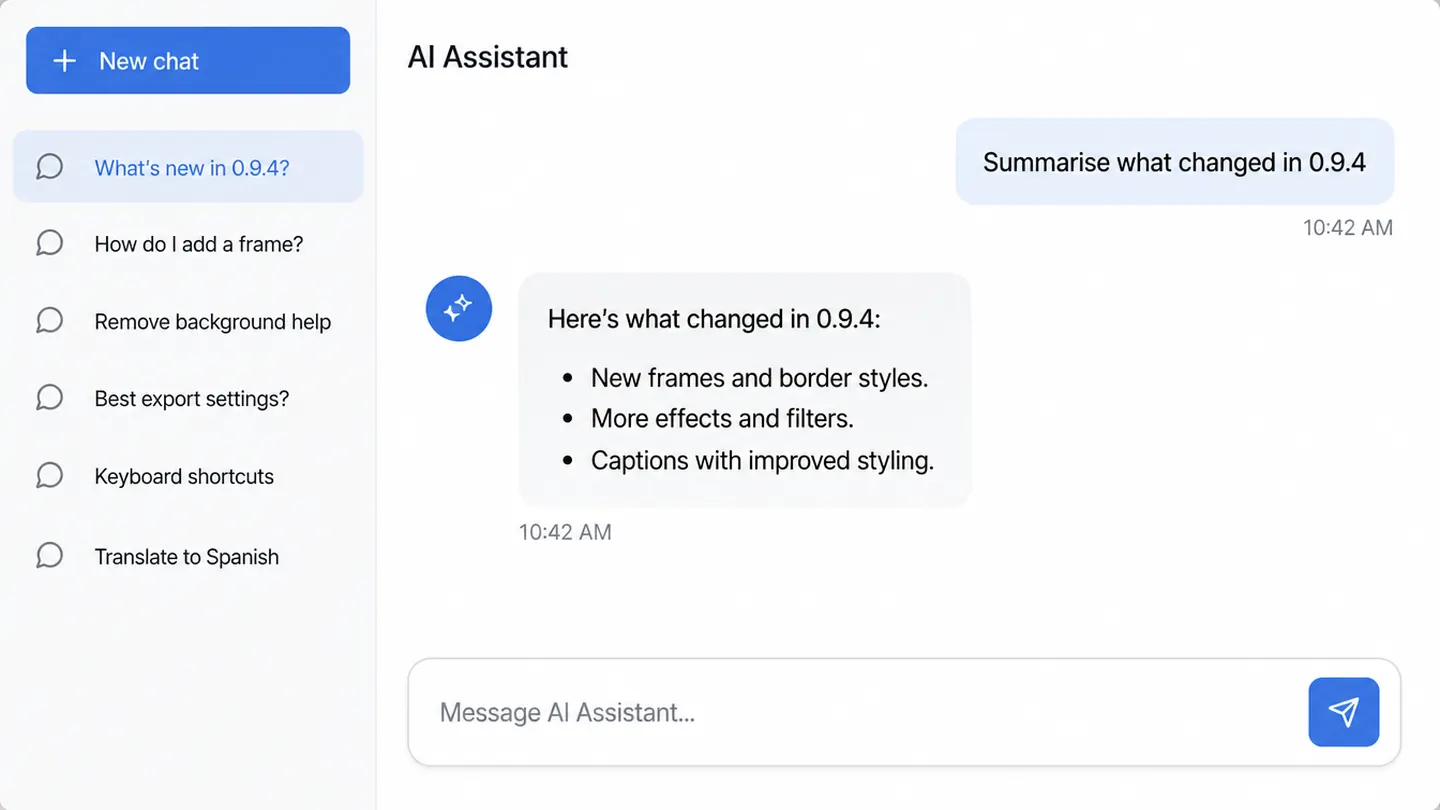
Assistant — Release notes
app.sceed.io/dashboard
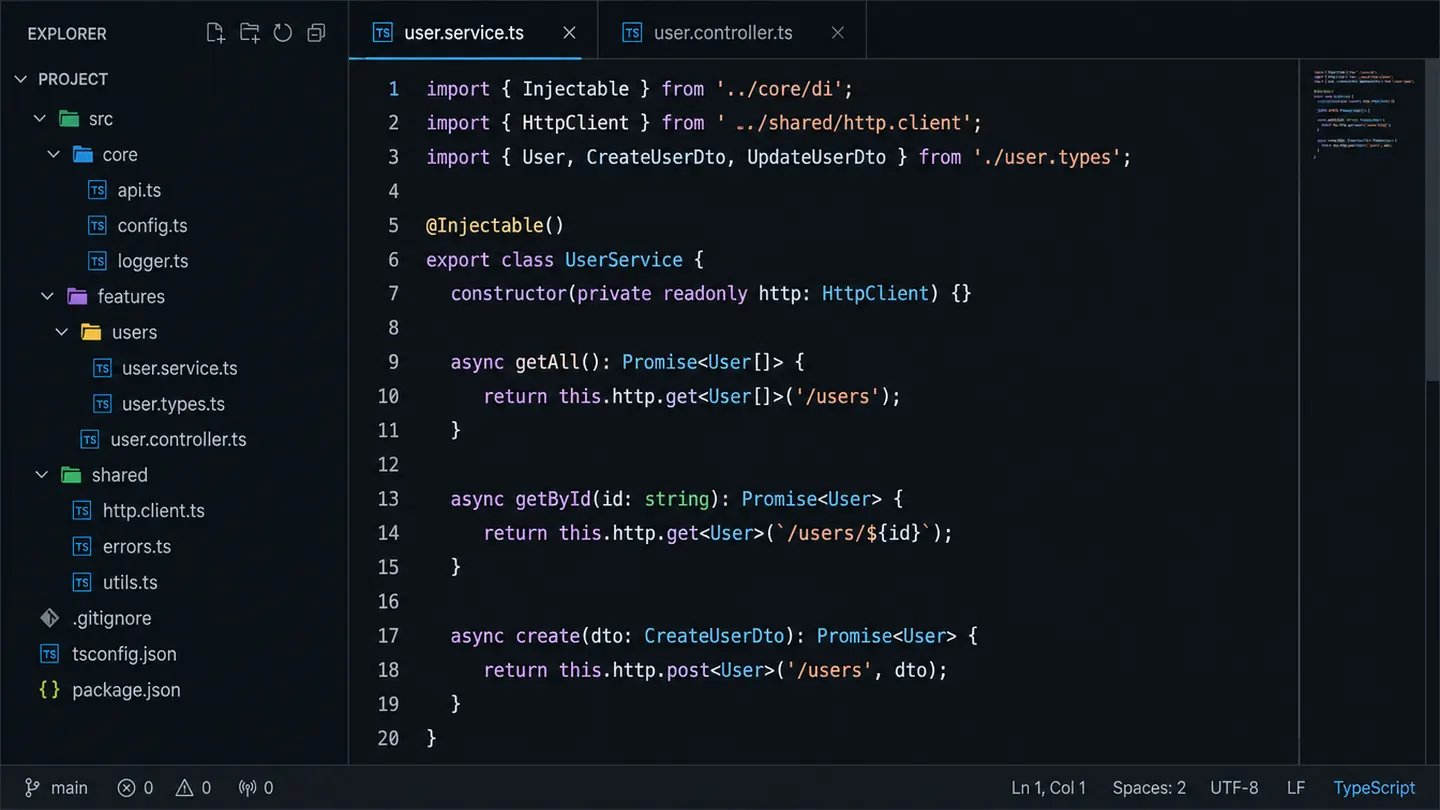
renderer.ts — Sceed
Calendar — This week